Open House Sign-In Sheet vs QR Code: Which Is Better?
Key Takeaways
Paper sign-in sheets and QR code sign-ins both work at an open house but fail in different ways. Here is how to choose and follow up on leads.
6 min read
The sign-in sheet is the oldest lead capture tool in real estate, and it still has a place at the front door. But more agents now put a QR code next to it, or instead of it. Neither is automatically better. They fail in different ways, and the real difference shows up after the open house ends, when you have to turn names on a page into conversations.
The Case for the Paper Sign-In Sheet
Paper works for everyone. There is nothing to scan, no signal needed, and no one has to feel they are being tracked by their phone. Older visitors and visitors who simply walked in off the street tend to be comfortable with a clipboard. It also gives you a natural moment to say hello and ask a question while they write.
The weaknesses are practical:
- Handwriting. Emails and phone numbers are easy to misread, and a single wrong character means a lost lead.
- Visible information. Every visitor can read the names above theirs, which some people dislike and which raises privacy concerns.
- Data entry. Someone has to type every entry into a CRM or spreadsheet. That delay is where follow-up slips from the same afternoon to two days later.
- Skipping. Visitors who are in a hurry or unsure about giving details often walk past a sheet.
The Case for the QR Code Sign-In
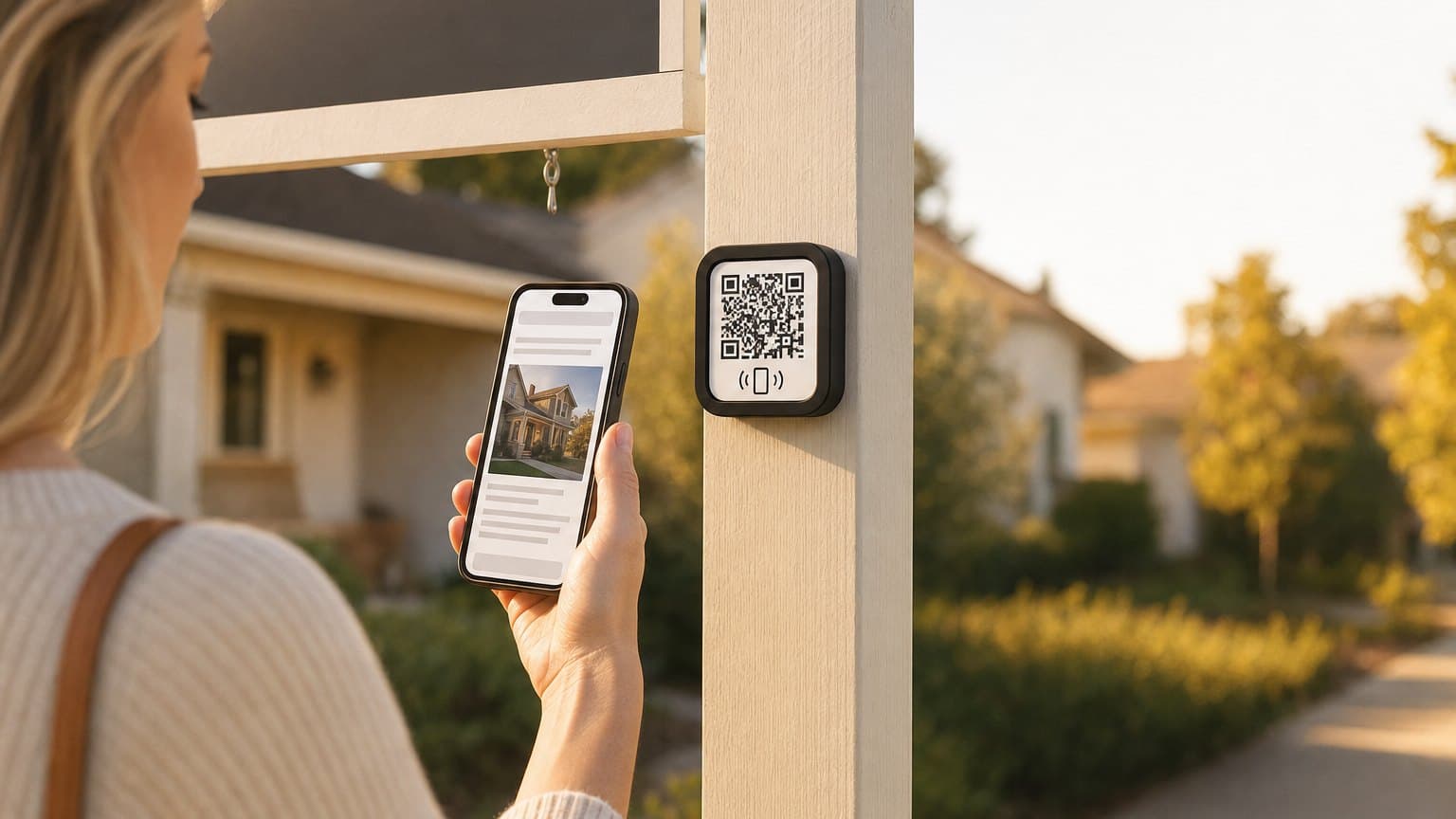
A QR code lets a visitor sign in on their own phone. The entry is typed by the visitor, so it is more likely to be readable, and it lands in your system immediately instead of waiting for you to retype it. It also keeps other visitors' details private.
The weaknesses are just as real:
- Friction for some visitors. A few people do not want to scan a code or fill a form on a phone, and some will not know how.
- Signal. A basement, a rural property or a crowded house can have poor reception. Test it before the open house starts.
- Visibility. A small code taped to a counter is easy to miss. It needs a sign that tells people what it is and why to scan it.
How to Choose
| Situation | Better fit |
|---|---|
| Strong phone signal, mixed-age crowd | Both: QR code with a paper backup |
| Poor reception inside the home | Paper |
| You want same-day automated follow-up | QR code |
| Privacy-conscious neighborhood or luxury listing | QR code, or individual cards |
| You have no system to enter paper leads | QR code |
For most agents, the answer is both. Put the QR code on a clear sign at the door and keep a paper sheet beside it. The QR code catches the people who prefer their phone and gives you instant data. The paper sheet catches everyone else.
Make the Sign-In Worth Doing
Visitors sign in when it is easy and when they understand the benefit. A few things help either method:
- Say why. A sign that says "Sign in to get the price history and similar homes" works better than "Please sign in."
- Greet people at the door. Hand over the clipboard or point at the code while you say hello.
- Ask for the minimum. Name, phone and email is enough. Every extra field loses some visitors.
- Be clear about contact. If you plan to text or email visitors afterward, say so on the sign or form.
The Follow-Up Matters More Than the Sign-In
A sign-in is only a list of names. The value comes from what happens next. Contact visitors the same day, while the home is still fresh in their minds. Reference the specific property. Ask a question that is easy to answer, such as whether they would like to see it again or want to hear about similar listings.
This is where digital sign-in has a practical advantage. When entries arrive electronically, they can trigger an instant reply automatically, instead of waiting for someone to retype a clipboard. With ListingFlare, each listing can generate a QR code sign-in page and a printable flyer. Visitors who sign in become leads in your dashboard, where an auto-reply can go out right away. You can also require approval before any message sends.
If you use paper, schedule the data entry. Put it on your calendar for the same evening, and send your first message before you go to bed.
For more on drawing a crowd in the first place, see our open house ideas, and for the printed side, how to auto-generate an open house flyer. To see how those leads fit into a wider system, read how listing agents capture buyer leads.
Open House Sign-In Checklist
- Test the QR code on your own phone inside the home.
- Print the sign large enough to read from a few feet away.
- Keep a paper sheet and pens at the same spot as a backup.
- Greet every visitor and mention the sign-in.
- Follow up the same day.
- Check the local rules for your area about recording visitors and contacting them.
Related: open house checklist, printable sign-in sheet and follow-up templates. More free real estate templates for listing agents.
Sources and Further Reading
If you use sign-in details for marketing emails, the FTC’s CAN-SPAM compliance guide for business covers the basics, including accurate sender information and a way to opt out. Check your brokerage’s guidance and the rules where you work on calls and texts. This is general information, not legal advice.
Try the QR Version Free
The quickest way to compare the two formats is to run both at your next open house. ListingFlare’s QR sign-in creates the lead, notifies you and can send an AI email reply, with approval mode if you want to review it first. You can see the live demo or start the 14-day free trial.
Related Guides
- Best open house apps
- How to set up a yard sign QR code
- Texting and emailing leads: TCPA and CAN-SPAM basics
Frequently Asked Questions
Is a QR code sign-in better than a paper sign-in sheet?
Neither is better in every case. QR codes give you cleaner data and faster follow-up. Paper works for visitors who do not want to use their phone and in places with weak signal. Using both covers the most visitors.
Do visitors actually scan QR codes at open houses?
Many do, especially when a sign explains what they get for signing in and the agent points it out when they arrive. A small, unexplained code is easy to ignore.
What information should an open house sign-in ask for?
Keep it short: name, phone number and email. Optionally ask whether they are working with an agent. Each extra field costs you some sign-ins.
How quickly should I follow up after an open house?
The same day is the goal. Reference the home they saw and make the reply easy, such as a question they can answer in one line.
Can I use ListingFlare for open house sign-ins?
Yes. Each listing can generate a QR code sign-in page and a printable flyer, and sign-ins appear as leads in your dashboard. See the lead capture software page for how the workflow works.